

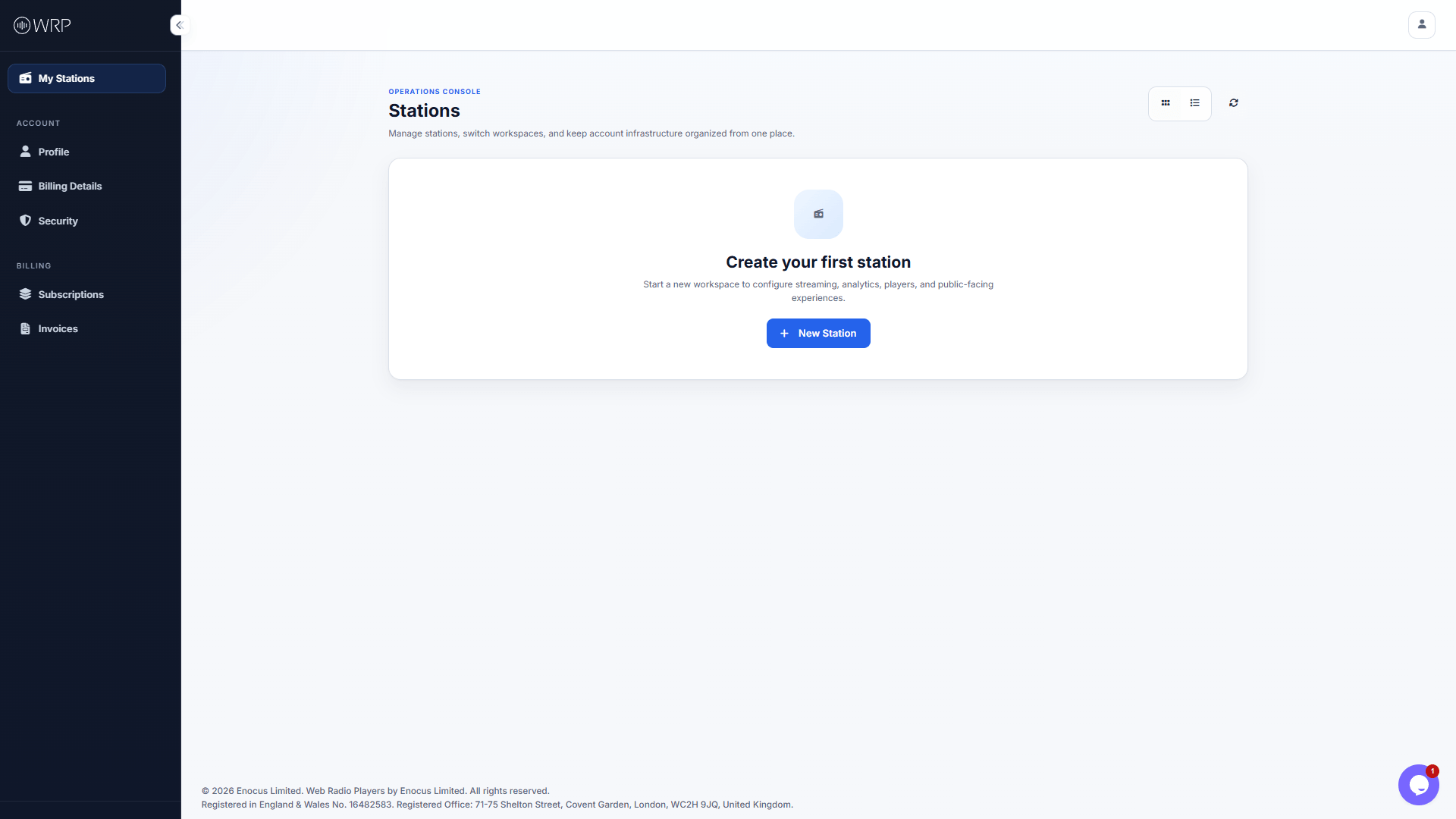
The Setup Wizard
From your main Operations Console, click the blue + New Station button to launch the configuration wizard.1
Station Details
Fill in your public-facing information, including your Station Name, Slogan, and Contact Email.Make sure to set your Country and Timezone accurately, as this will dictate how your weekly schedule and analytics are recorded!
2
Streaming Information
This is the most important step. Paste your direct streaming URL (e.g., Icecast, Shoutcast) into the field.Before proceeding, click the Test your stream button. If you hear your audio, your stream is properly formatted and ready to broadcast.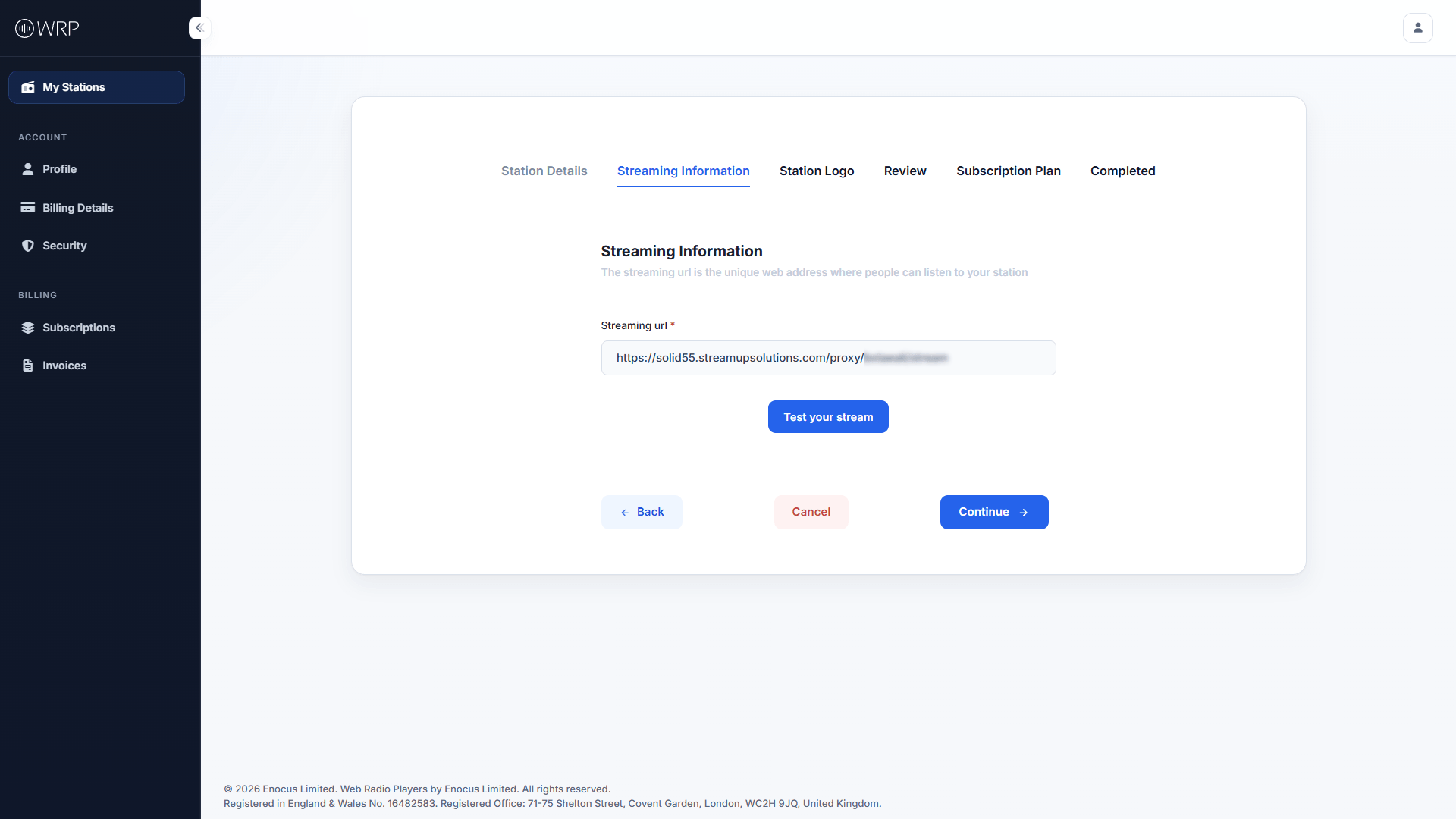
3
Station Logo
Click Select a logo to upload your brand’s artwork (Accepted formats: PNG, JPG. Max size: 5MB). While you can skip this step, we highly recommend uploading a logo now, as it will instantly brand your public pages and web players.
4
Review & Confirm
Review the summary of your station. If everything looks correct, toggle the switch labeled Everything is fine. The information displayed is accurate to activate the Continue button.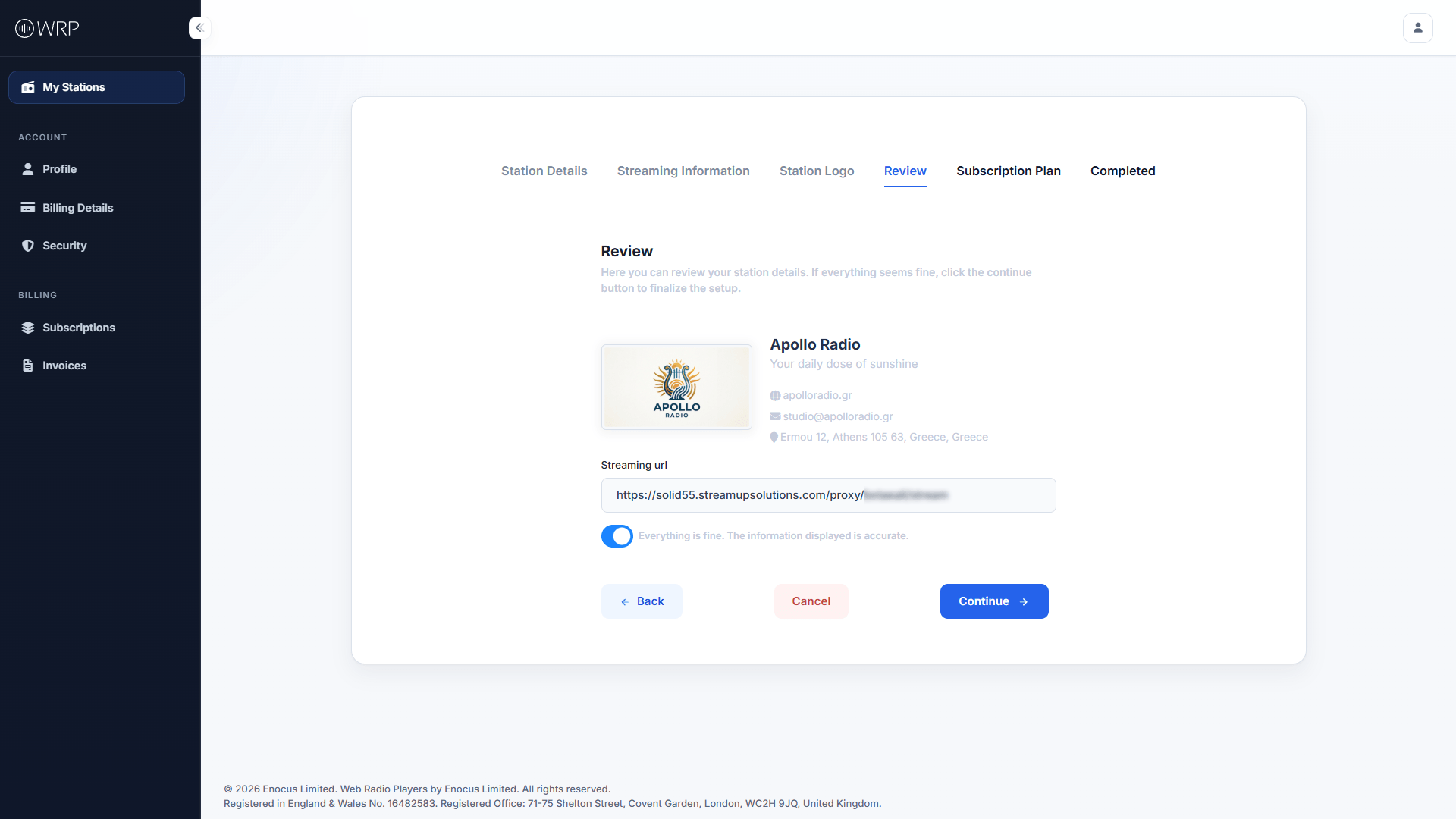
5
Choose Your Subscription Plan
Select the plan that best fits your broadcasting needs. All plans begin with a 30-Day Free Trial.If you aren’t sure which tier you need, click Compare all plan features to see a detailed breakdown of player limits and analytics features.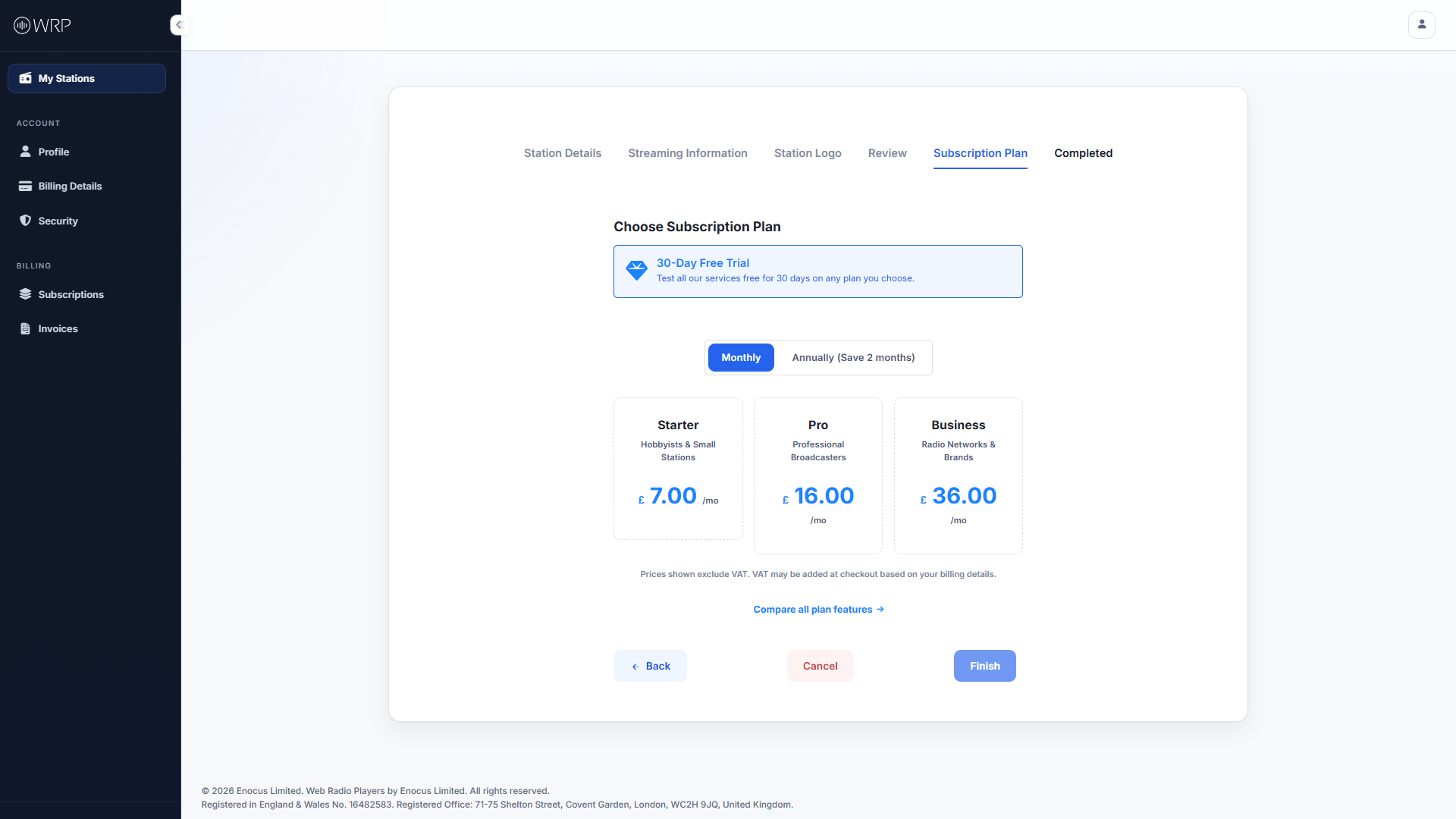
6
Checkout & Adaptive Pricing
After accepting the Terms of Service, you will be securely redirected to Stripe to finalize your trial.
Understanding Your Currency Options at Checkout: Our base prices are in British Pounds (GBP). Stripe’s adaptive pricing may automatically offer you the option to pay in your local currency instead.
- If you choose GBP: Your billed amount will remain exactly the same every month, though your bank may apply small foreign transaction fees if you are outside the UK.
- If you choose your Local Currency: You avoid bank fees, but your monthly billed amount may fluctuate slightly based on real-time global exchange rates.
Next Steps
Now that your stream is connected and your workspace is live, what would you like to build first?Set Up Your Player
Design and embed a custom audio player directly on your own website.
Set Up Your Public Page
Launch a fully hosted, interactive radio website using our platform.
Configure Listener Access
Use Geo-blocking to restrict or allow countries based on your licensing.