

Creating an Event
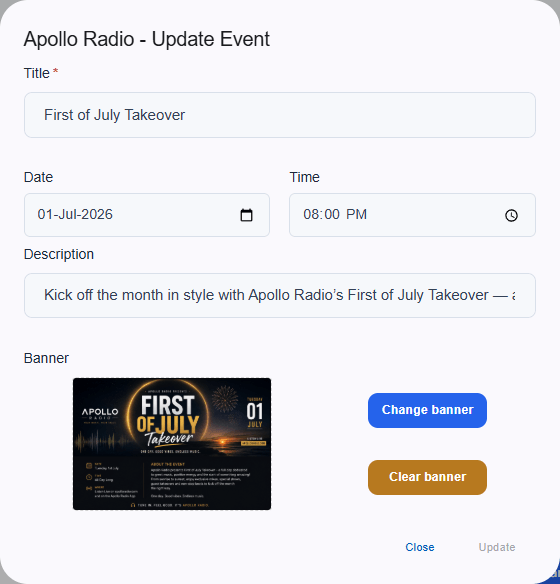
To add a new event to your calendar, navigate to the Events section and fill out the required details:- Title: The name of your upcoming event.
- Date: The specific calendar day the event takes place.
- Time: The exact starting time of the event.
- Description: A short summary of what listeners can expect.
- Banner: Upload promotional artwork using the blue “Change banner” button to make your event stand out visually on the page.