
Choose Your Deployment Method
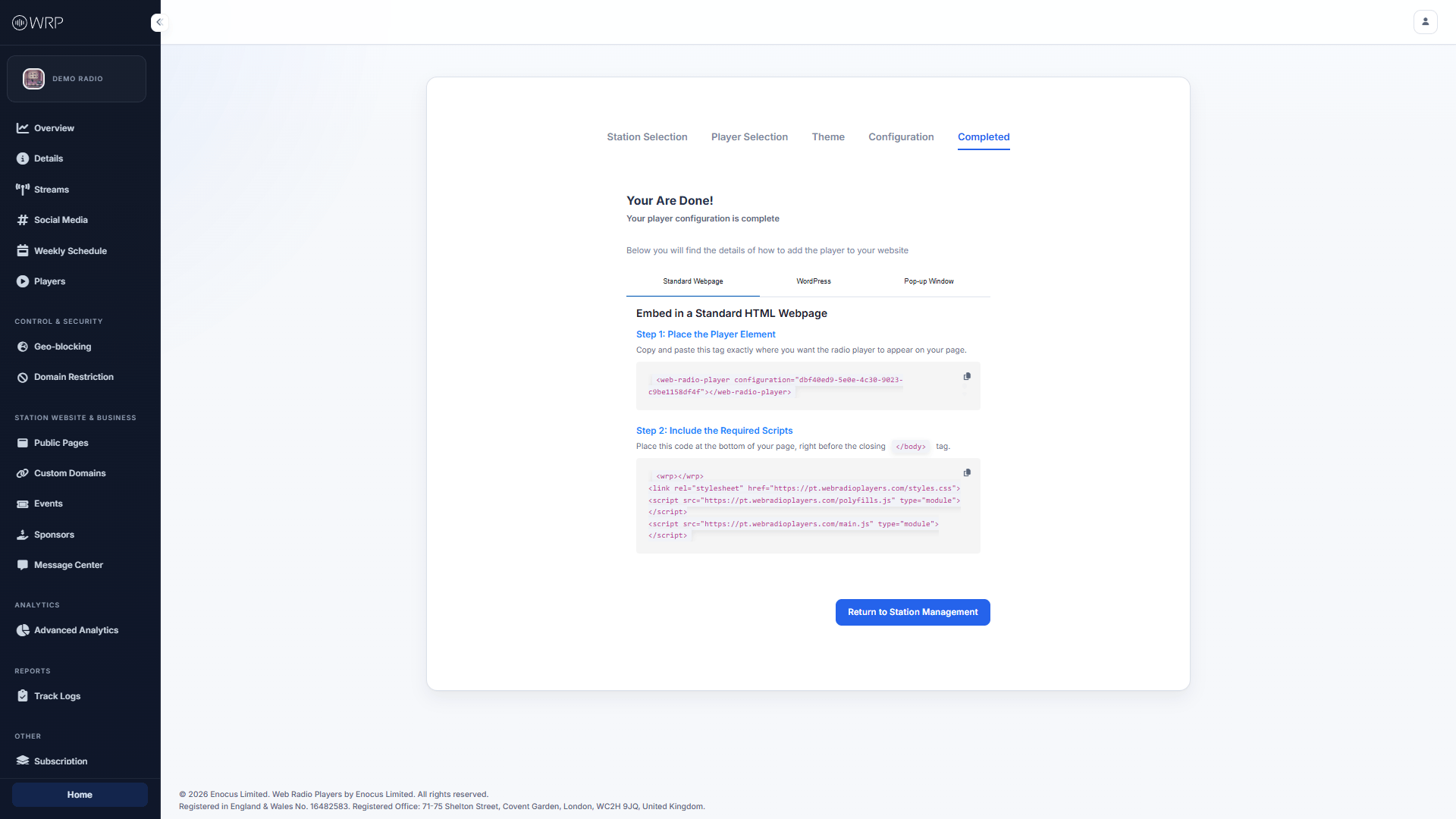
Because every website is built differently, we provide three distinct ways to integrate your new player. The dashboard is split into three tabs. Select the platform you are using below to see the exact step-by-step instructions for your website:Standard Webpage
For custom websites, Webflow, Ghost, or any site where you can edit the HTML
<head> and <body>.WordPress
For WordPress sites using our official plugin or native Gutenberg Custom HTML blocks.
Pop-up Window
Launch a dedicated, resizeable pop-up window so music continues playing as users browse your site.