
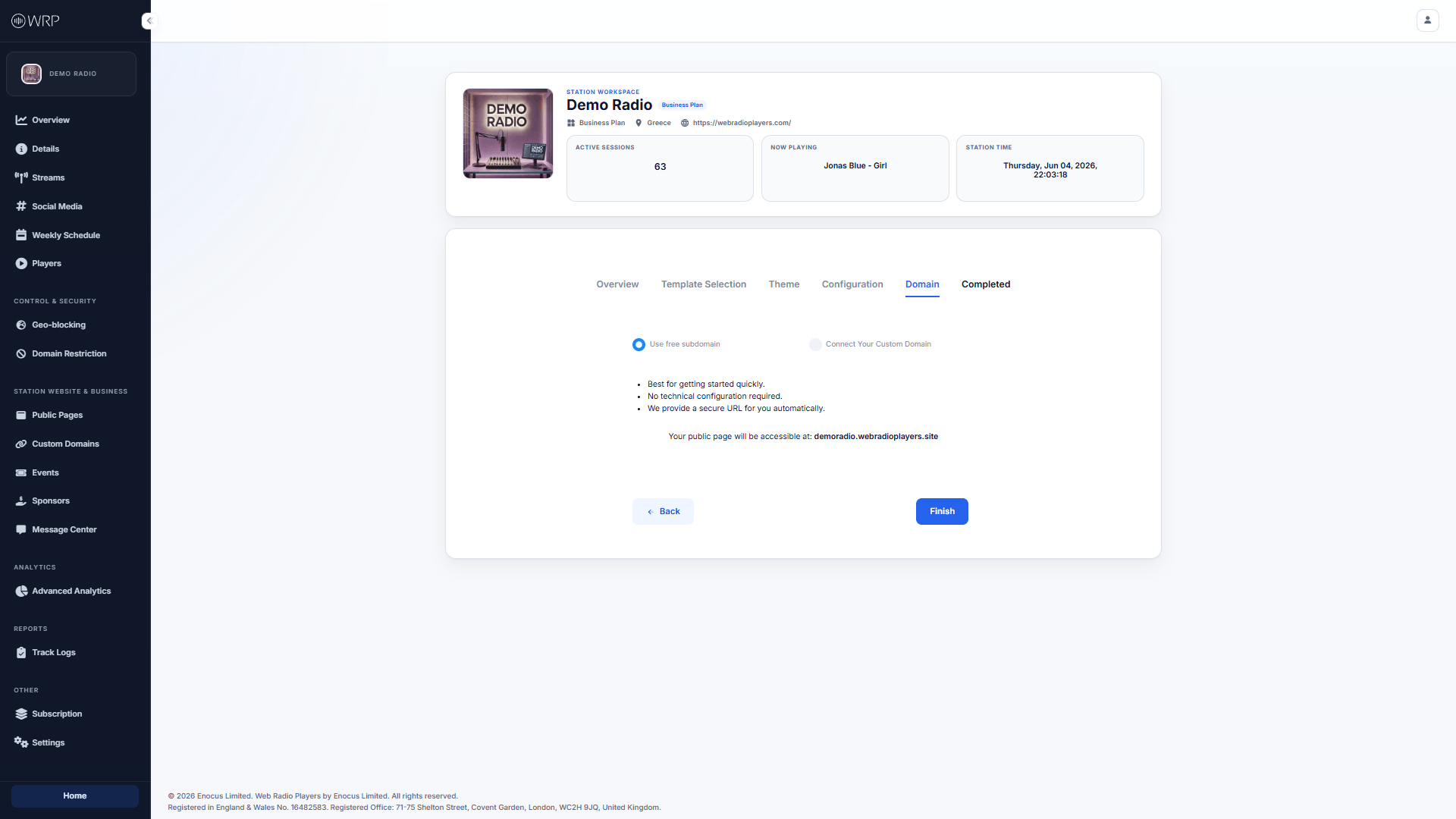
Option A: Use a Free Subdomain (Fastest)
If you want to get online instantly and do not want to mess with DNS records, select the Use free subdomain option. We will automatically generate a secure, SSL-encrypted URL for you using the Station Handle you defined in your Station Details.- Example: If your handle is
@demoradio, your website will instantly be live atdemoradio.webradioplayers.site.
Option B: Connect Your Custom Domain (Professional)
If you already own a domain name (e.g.,myradionetwork.com) and want your public page to look incredibly professional, select Connect Your Custom Domain.
Before you can select a custom domain from this list, you must verify ownership of it. For a complete step-by-step walkthrough on how to do this, please see our Custom Domains Guide.
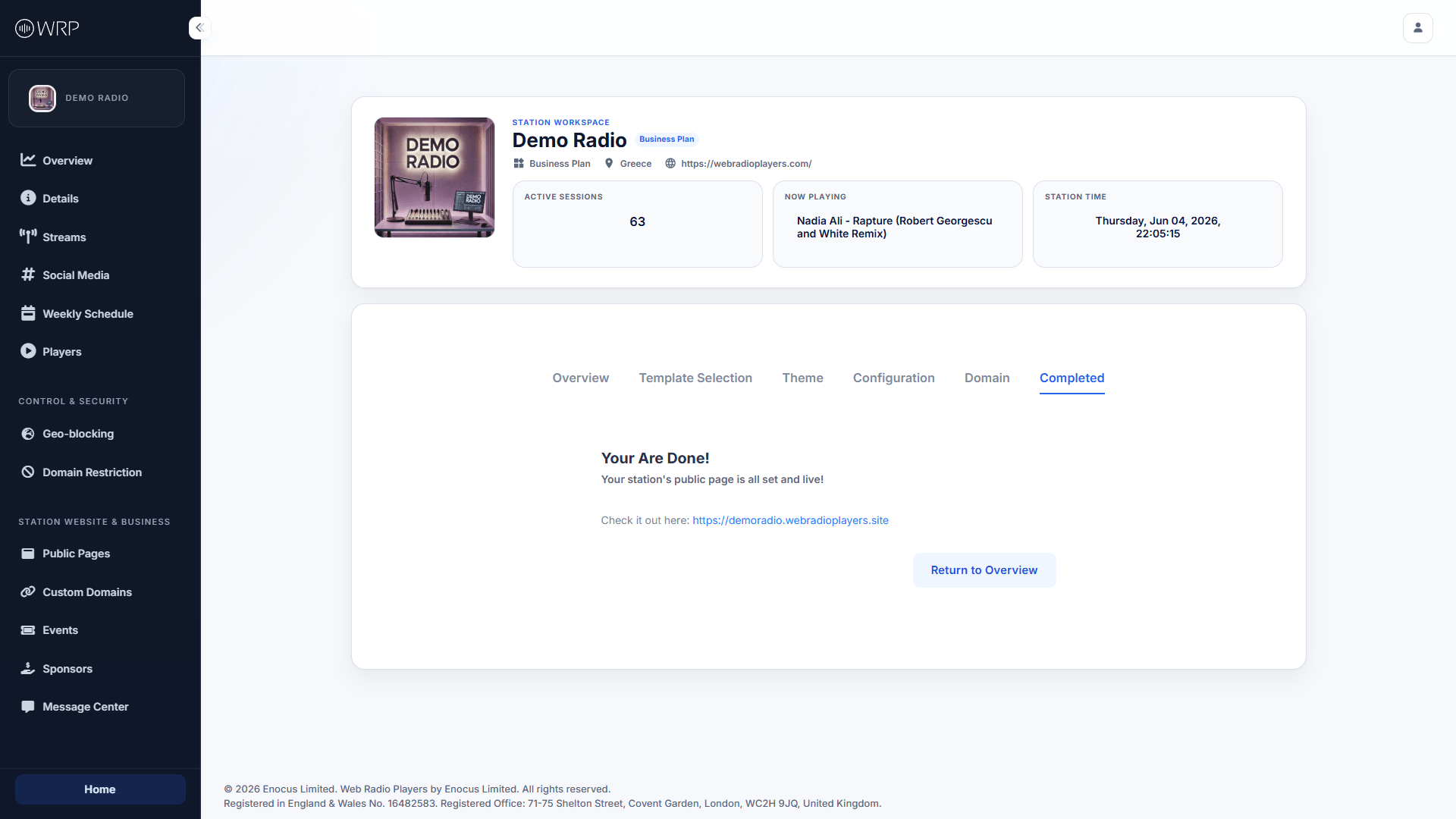
You Are Done!
Once you have made your selection and clicked Finish, your website is instantly compiled and deployed to our global servers.