

Navigating the Inbox
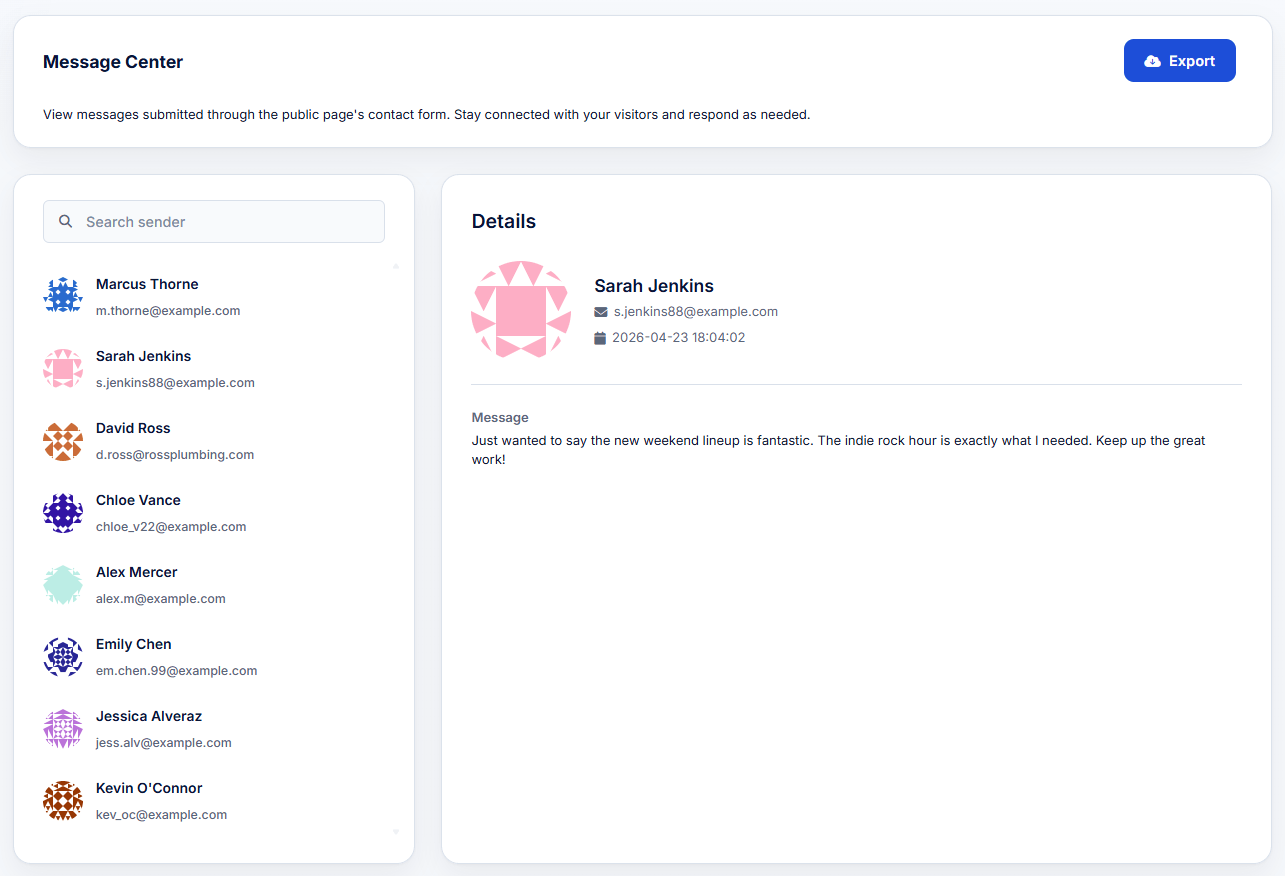
The Message Center is designed for quick communication management:- Search: Use the search bar in the left column to find specific senders quickly.
- Sender List: The left column displays a list of all submissions, highlighting the sender’s name and their provided email address.
- Message Details: Clicking on any sender reveals the full contents of their message on the right side of the screen, along with the exact date and timestamp it was submitted.